
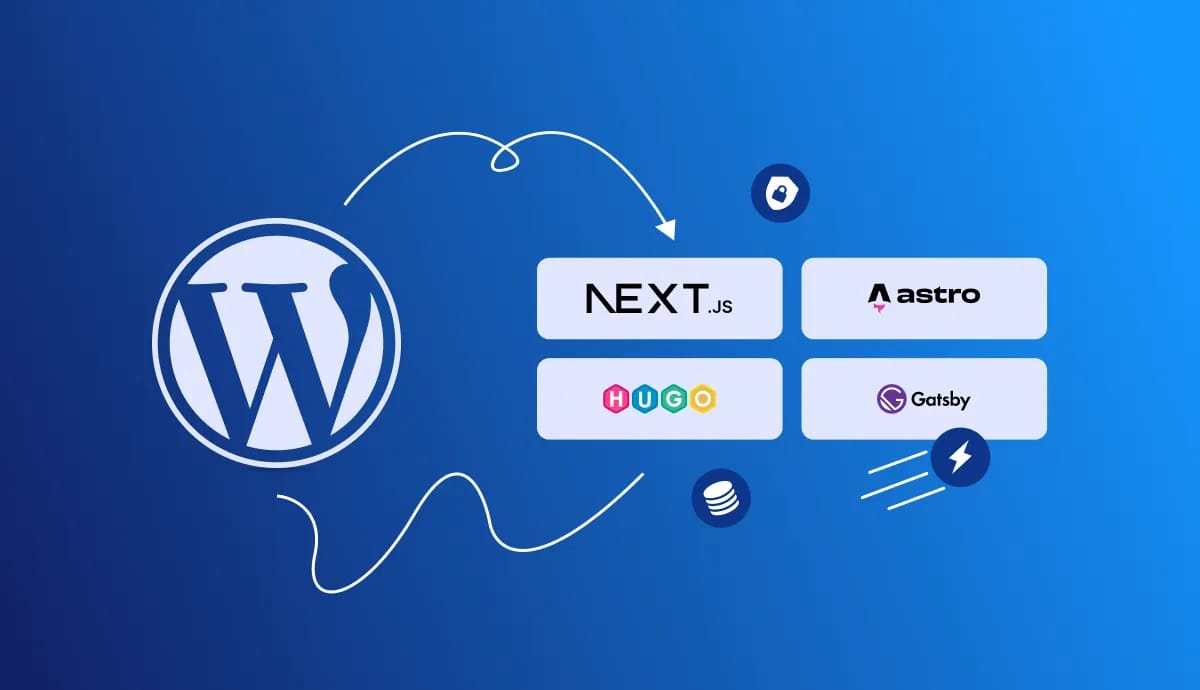
WordPress has powered over 590 million websites since 2003, making it the world’s most popular content management system. But despite its dominance, the platform faces persistent challenges: slow page loads caused by database queries, frequent security patches, and scaling limitations that become expensive to solve. If you’re experiencing these frustrations, there’s a different approach worth considering.
Static site generators offer a fundamentally different way to build websites. Instead of creating pages on the fly every time someone visits, they build everything once and serve pre-made files. This transition offers transformative improvements in performance, security, and operational simplicity.
Is This Approach Right for Your Site?
When Static Sites Make Sense
Static sites work best for content that doesn’t change constantly. Think company blogs, marketing websites, documentation sites, or portfolio pages. If your content updates happen on a schedule rather than every few minutes, you’re already a good candidate.
You should consider migrating if:
- Your team cares about site speed - WordPress sites average only 43% passing scores on Google’s Core Web Vitals. That’s not great when speed directly affects your search rankings and sales. Static sites routinely score above 95%.
- Security is a priority - If you’re tired of weekly plugin updates and worried about vulnerabilities, static sites eliminate most of those concerns. No database means no SQL injection. No PHP means no server-side exploits.
- You publish on a schedule - Media companies, content marketers, and anyone with an editorial calendar will find the workflow natural. Your content gets reviewed, approved, and published at scheduled times.
- Traffic spikes stress your server - Does your site slow down or crash when you get featured somewhere? Static files served from a CDN handle traffic surges without breaking a sweat or breaking the bank.
When to Stick with WordPress
Static sites aren’t the answer for everything, and forcing them where they don’t fit creates more problems than it solves.
- You’re running an online store - Real-time inventory, shopping carts, and order processing need dynamic functionality. While headless commerce exists, it’s complex and expensive to implement properly.
- Your site depends on user interaction - Forums, membership sites, or social platforms where users create and share content need WordPress’s dynamic capabilities.
- Non-technical staff update content multiple times daily - If your team isn’t comfortable with new workflows and updates happen constantly throughout the day, the WordPress dashboard might be worth keeping.
- You’re on a tight budget with no developers - Migration takes time and technical skill. If you don’t have either, the upfront cost might outweigh the long-term savings.
Understanding the Difference
How WordPress Actually Works
Every time someone visits a WordPress page, the server does a lot of work. It queries the database (typically 50-100 times per page, sometimes thousands), runs PHP code, loads plugins, applies your theme, and finally spits out HTML. This happens fresh for every single visitor.
All that processing takes time. Most WordPress sites take 200-1000 milliseconds just to start sending data. That might not sound like much, but studies show that even a one-second delay can cost you 7-20% of your conversions. The database also becomes a single point of failure. If it goes down or gets corrupted, your entire site goes offline.
How Static Sites Work Differently
Static site generators turn your content into HTML files during a build process. You make a change, trigger a build, and create a complete website made of simple HTML, CSS, and JavaScript files. When visitors show up, they just get those pre-made files. No database queries. No PHP processing. No waiting.
The result? Pages start loading in under 50 milliseconds. Your site can handle massive traffic because you’re just serving files. And since there’s no server-side code running, thus there’s nothing to hack.
The Real-World Benefits of Static Sites
Speed That Actually Matters
Here’s what the performance difference looks like in practice. Static sites consistently score 95 or higher on Google’s Lighthouse performance tests. WordPress sites typically struggle to break 60, even with caching plugins and optimization.
Why does this matter? It is important for SEO. Google uses site speed as a ranking factor. Slower sites rank lower. More importantly, faster sites convert better. When your pages load instantly instead of taking several seconds, more visitors stick around and take action.
The speed comes from eliminating database lookups. WordPress makes 50-100 database queries per page. Complex sites with lots of plugins can hit thousands. Static sites make zero. The data is already in the HTML.
Security You Can Actually Maintain
WordPress security is a constant battle. New vulnerabilities appear regularly. Plugins need updating. Core files need patching. Miss an update, and you’re vulnerable. It’s exhausting, especially for small teams.
Static sites sidestep most of this. Without PHP or a database, the most common attack vectors simply don’t exist. Nobody can inject malicious code into your database because there isn’t one. Nobody can exploit PHP vulnerabilities because there’s no PHP running.
You would only need to secure your hosting and build process, but that’s about it.
The Migration Challenges
Replacing Dynamic Features
WordPress makes certain features easy. Comments, search, and contact forms work out of the box. With static sites, there are alternatives.
- For comments, services like Disqus or Giscus work well. They load comments through JavaScript, so your pages stay static while comments remain dynamic.
- For search, you have options. Lightweight libraries like Lunr.js or Pagefind can search your content right in the browser. For larger sites, services like Algolia provide powerful hosted search.
- For forms, services like Netlify Forms, Formspree, or Getform handle submissions. You add a simple form to your page, and they handle the backend processing.
Choosing Your Static Site Generator
The static site ecosystem is rich with options. You’ll find generators for nearly every programming language and use case: Jekyll (Ruby), Eleventy (JavaScript), Gatsby (React), Nuxt (Vue), SvelteKit (Svelte), and many more. Each has its strengths and dedicated communities.
That said, three generators stand out as particularly strong choices for teams migrating from WordPress. They offer the best combination of performance, features, community support, and long-term viability. Let’s look at each:
Hugo: Fast and Straightforward
Hugo builds sites incredibly fast. We’re talking thousands of pages in seconds. It’s built with Go, which means you just download one file and you’re ready to go. No dependency installation, no version conflicts.
Hugo excels at content-heavy sites. If you have a blog, documentation site, or marketing site with lots of pages, Hugo handles it smoothly. The template language is straightforward once you get past the initial learning curve.
Astro: Modern and Flexible
Astro is newer but thoughtfully designed. Its killer feature is “partial hydration.” Pages are static by default, with zero JavaScript. You then choose exactly where you need interactivity and add it selectively.
You can also mix frameworks. Use React for one component, Vue for another, or just plain JavaScript. This flexibility is valuable if you’re working with existing component libraries or have specific framework preferences.
Next.js: Powerful but Complex
Next.js offers the most features but comes with the most complexity. It can do static generation, server-side rendering, or a mix of both. It’s built on React, so your team needs React knowledge.
Choose Next.js when you need that flexibility or when you’re building something that blends static content with dynamic features. It’s overkill for a simple blog but excellent for more complex applications.
Is This Migration Worth it?
Moving from WordPress’s average 43% Core Web Vitals pass rate to consistently scoring 95%+ improves your search rankings and conversion rates. Security becomes simpler. You’re not constantly patching plugins or worrying about database vulnerabilities. Hosting gets cheaper because serving static files costs less than running WordPress infrastructure.
However, migration takes time and requires technical skills. If your site depends heavily on dynamic features, if your team isn’t ready for new workflows, or if you lack the resources to execute properly, it might not be the right move.
For content-focused sites with technical teams, scheduled publishing workflows, and performance or security concerns, static site generators paired with a good headless CMS offer real advantages. The web is constantly evolving, and this architecture reflects where modern web development is heading.
How do you Manage Your Content After Migration?
You Still Need an Editing Interface
Here’s the problem: static sites store content as Markdown files in a code repository. That’s great for developers but intimidating for content editors who are used to WordPress’s visual editor.
This is where a Git-based headless CMS comes in. It gives your content team a familiar editing interface while storing everything as files in your repository. Editors get their visual editor, developers get their version control, and everyone’s happy.
How It Actually Works
A Git-based headless CMS connects directly to your repository on GitHub or GitLab. When an editor makes changes through the CMS interface, those changes get committed to the repository just like code changes would. That commit triggers your build process, which rebuilds the affected pages and deploys them.
The “headless” part means the CMS doesn’t control how your content looks. It just manages the content itself. That content can then go to your website, your mobile app, or anywhere else you need it. Everything stays in version control, so you can always see who changed what and roll back if needed.
Your content team gets to work in an interface that feels familiar. Your development team gets content stored as portable, version-controlled files. It’s the best of both worlds.
To learn more about Git-based Headless CMS read: What is a Git based Headless CMS?
Sitepins CMS
Sitepins was built specifically for teams making this transition. It provides an editing interface that feels familiar to WordPress users while managing content as files in your Git repository. Your developers get proper version control and automated deployments. Your editors get a visual interface they can actually use.
The key features that help with WordPress migrations:
- Familiar editing experience - Your content team doesn’t need to learn Git or Markdown. They can just edit content like they always have.
- Multi-site management - Handle multiple static sites from one dashboard if you manage several properties.
- Version control built in - Every change is tracked. Rolling back is simple.
- Works with Hugo, Astro, Next.js and more
Conclusion
Migrating from WordPress to a static site generator takes effort, but the payoff is substantial for content-focused sites. You’ll see measurably faster load times that directly improve conversions, dramatically simpler security that eliminates constant patching, and lower hosting costs that compound over time. With modern tools like Git-based headless CMS platforms bridging the gap between developer workflows and content team needs, the migration process has become more straightforward than ever. If your site publishes content on a schedule and performance matters to your business, static architecture offers a proven path to a faster, more secure, and more maintainable web presence.