
We kept the momentum going in February. The biggest change: Sitepins now works on mobile. Manage your content, push changes, and stay on top of your site from any device. On top of that, we shipped a round of improvements focused on reliability, control, and a smoother editing experience.
Here’s everything we shipped.
TL;DR
- Mobile Friendly — Sitepins now looks and works great on mobile and tablet.
- Version Rollback & Restore — Undo changes directly in the CMS.
- Mermaid Preview Support — Live diagrams and charts in the editor.
- Organization Overview Layout — Better management for teams and projects.
- Improved Loading Screen — Skeleton state loading screens.
- Flexible Repository Switching — Change your Git repository direct from the project settings
- Edit Configs as Code — Direct access to configuration files.
- UI/UX Overhaul — A faster, more consistent component library interface.
- Bug Fixes and Improvements — Minor bug fixes and stability.
Mobile Friendly
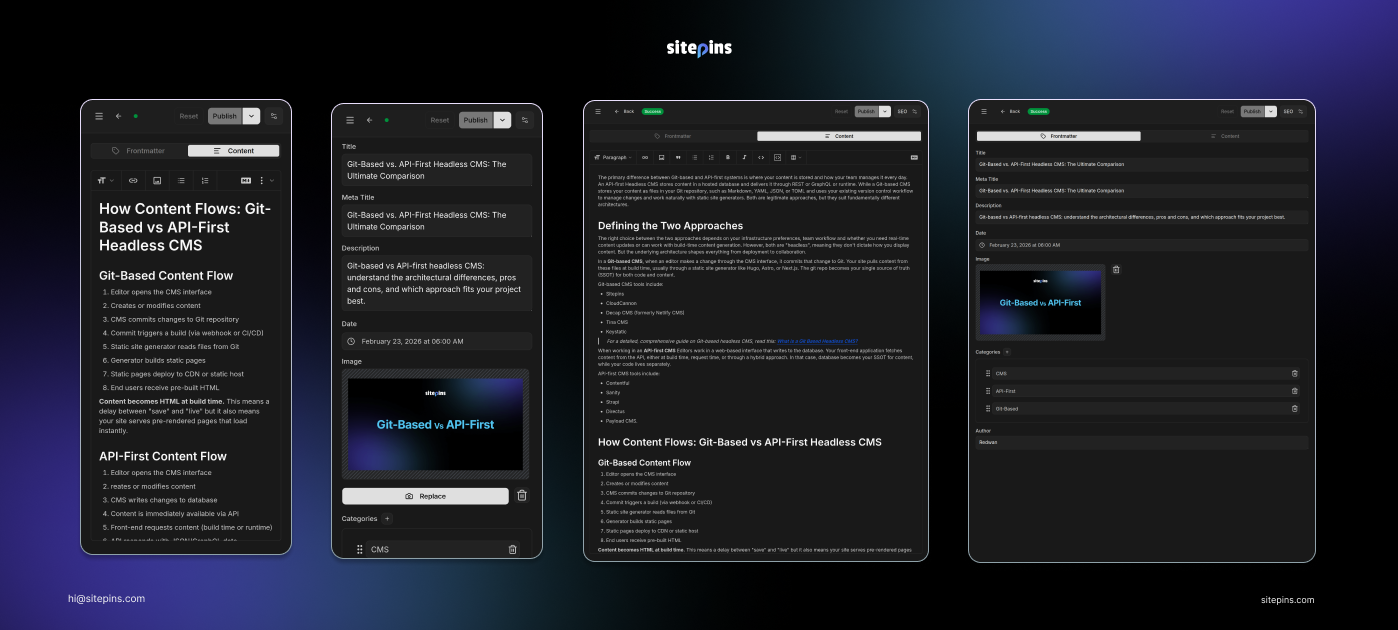
What: We’ve optimized Sitepins to work seamlessly on mobile, tablet, and desktop.
Why: Managing content shouldn’t be tied to your desk. A mobile-friendly experience means you can push changes, review content, and manage your site from any device without breaking your workflow.
Version Rollback & Restore
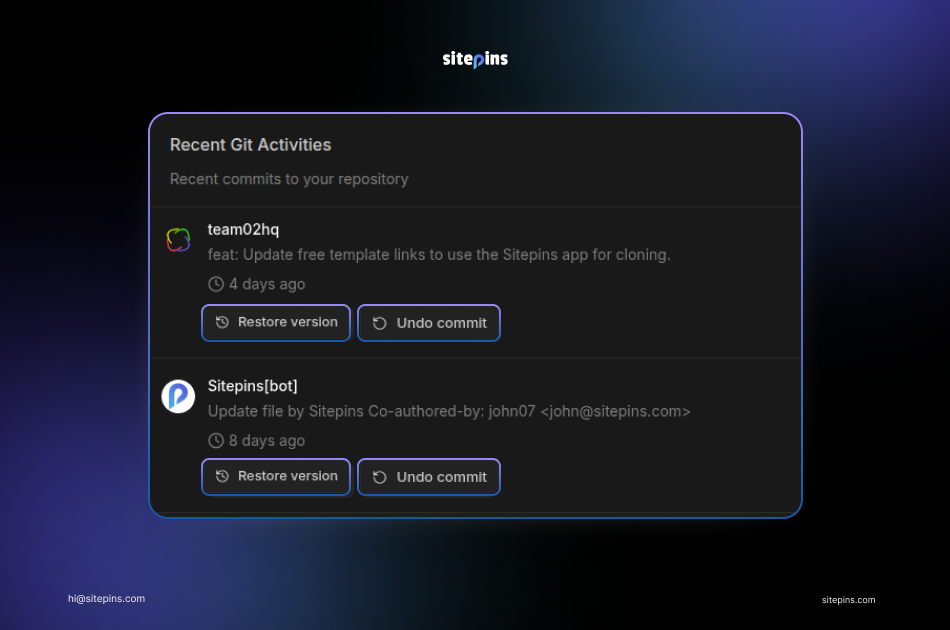
What: You can now roll back any CMS change to a previous version and restore it with a single click. No Git history digging, no developer needed.
Why: Content teams can now experiment freely. If something goes wrong, you can undo it instantly. It’s the safety net that makes editing less stressful.
Mermaid Preview Support
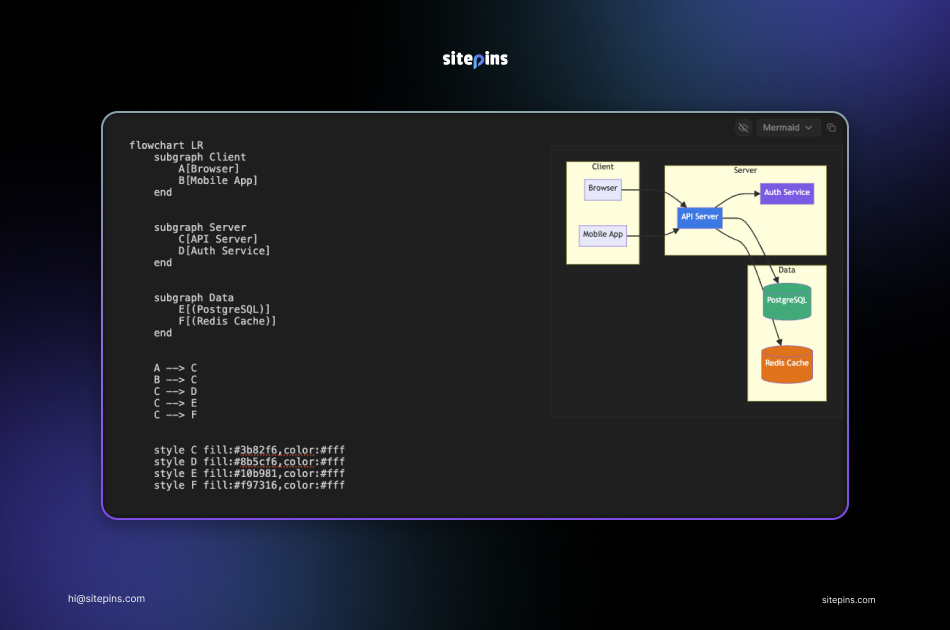
What: Write Mermaid.js diagram code in your Markdown and see it render into a chart or flowgraph instantly, right inside the editor.
Why: If you’re building technical documentation or blogs with diagrams, you no longer need external tools to preview your work. Write the code, see the result immediately.
Organization Overview Layout
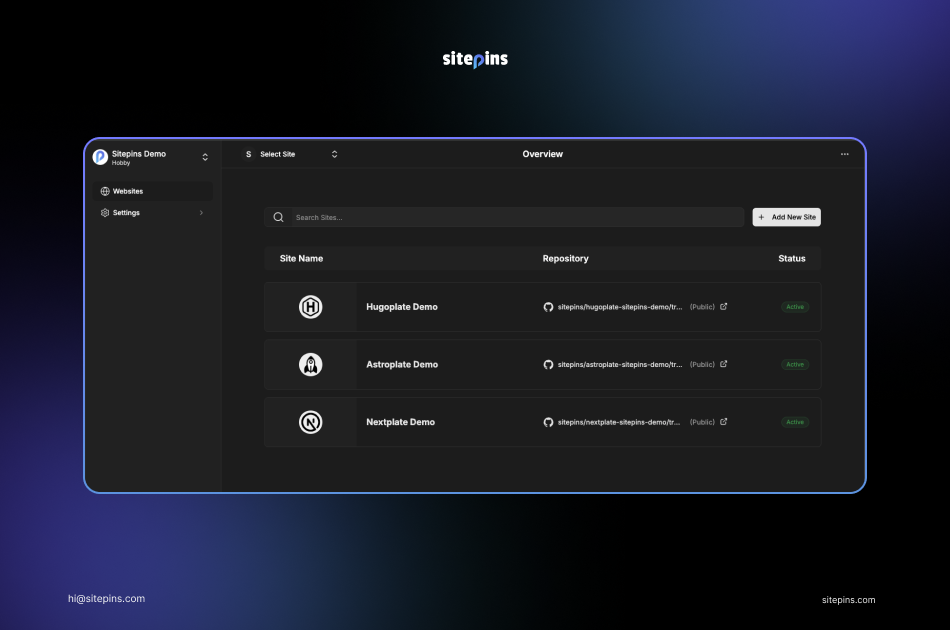
What: We’ve redesigned the layout where you can manage your organizations and teams.
Why: For agencies and teams managing dozens of sites, the old list was getting a bit crowded. The new layout is cleaner, more searchable, makes it easier to switch between repositories and manage team permissions.
Improved Loading Screen
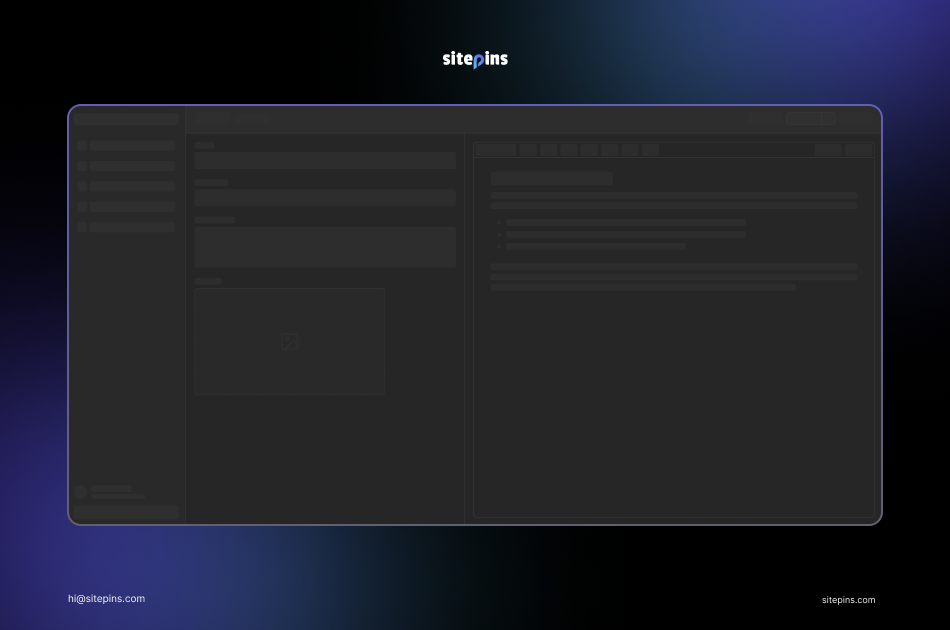
What: Content lists and dashboard elements now use skeleton state loading screens instead of blank screens.
Why: Speed feels better when you can see what’s loading. Skeleton screens reduce frustration and set clear expectations while your files render.
Flexible Repository Switching
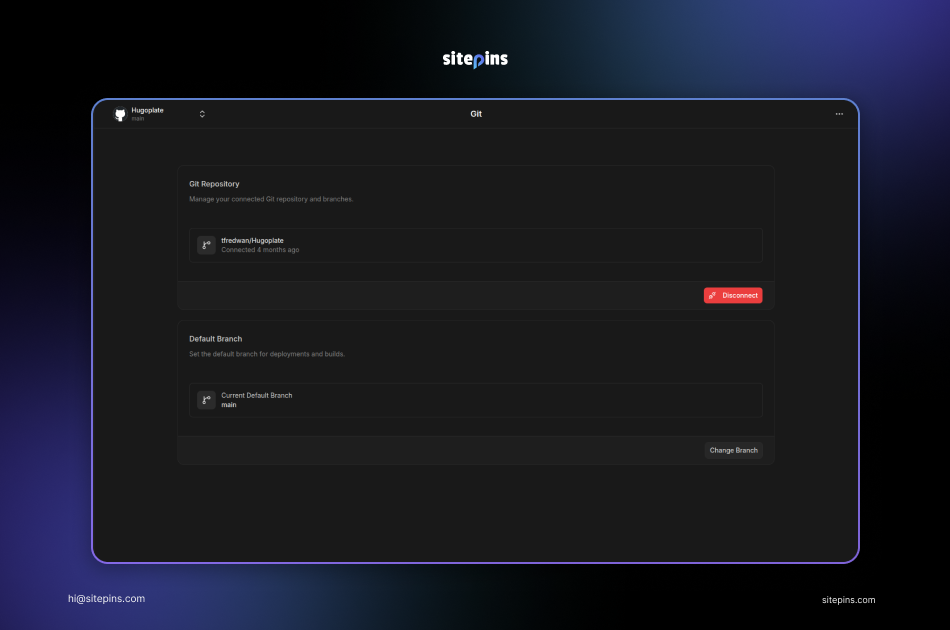
What: You can now disconnect or change your connected Git repository directly from project settings, without deleting and recreating your project.
Why: Migrating to a new repo or pointing Sitepins to a different source is now a settings change, not a full rebuild. Just disconnect or switch from the settings page.
Edit Configs as Code
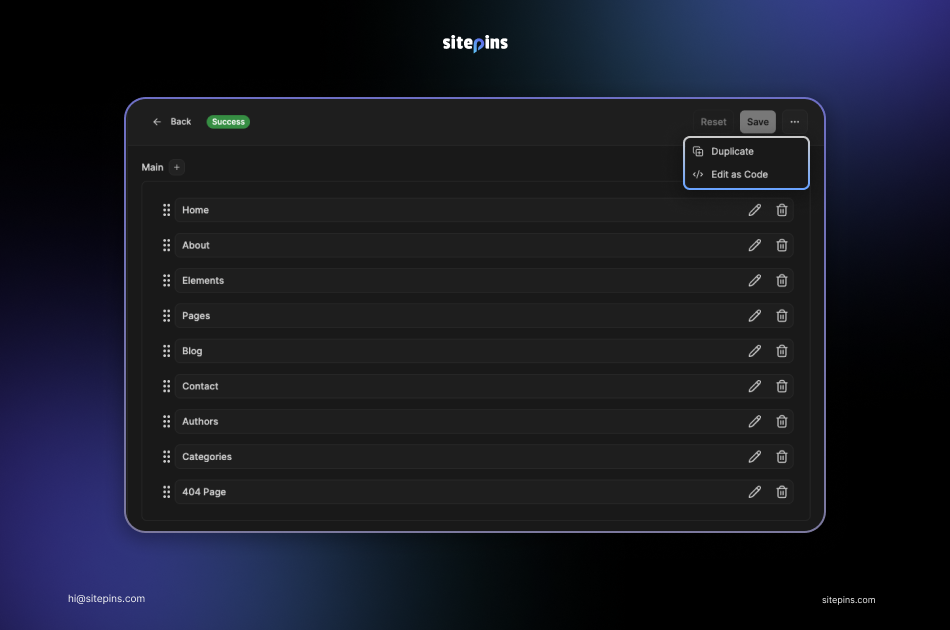
What: Power users can now edit Sitepins’ configuration files directly as code within the editor.
Why: Visual settings work great for most users. But when you need to tweak a config file directly, this gives you full control without ever leaving the browser.
UI/UX Overhaul
What: We implemented a new design system, bringing a more consistent, accessible, and modern look across every part of the application.
Why: Adopting a modern, accessible component library means faster performance, better navigation and a more consistent feel across every button, modal and menu. The CMS now would feel lighter and more responsive than ever.
Bug Fixes and Stability Issues
We also shipped minor bug fixes and stability improvements to keep everything running smoothly.
Closing:
As we speak, over 800 users are trusting Sitepins to manage their static sites.We’re constantly shipping updates and patches based on your feedback: building a tool that genuinely simplifies your daily workflow.
If you’re already using Sitepins, we’d love to hear your feedback.
If you’re new, try it today and see how you can streamline content management for you, your team or clients.