
This month’s updates was about reach and access. We added new languages with full right-to-left support, made a Progressive Web App available so you can install Sitepins to your home screen, and shipped a round of UI and quality of life improvements based on your feedback.
Here’s everything we shipped in August 2026:
TL;DR
- New Languages & RTL Support — Hindi, Arabic, and Italian are now available, with full right-to-left support.
- Progressive Web App Support — A PWA is now available, with offline access and faster load times.
- Improved User Experience and UI — Visual polish and usability across the app.
- Quality of Life Improvements — A profile status indicator, a refreshed toolbar and editor interface, better drag and drop, and a smarter SEO panel.
New Languages & RTL Support
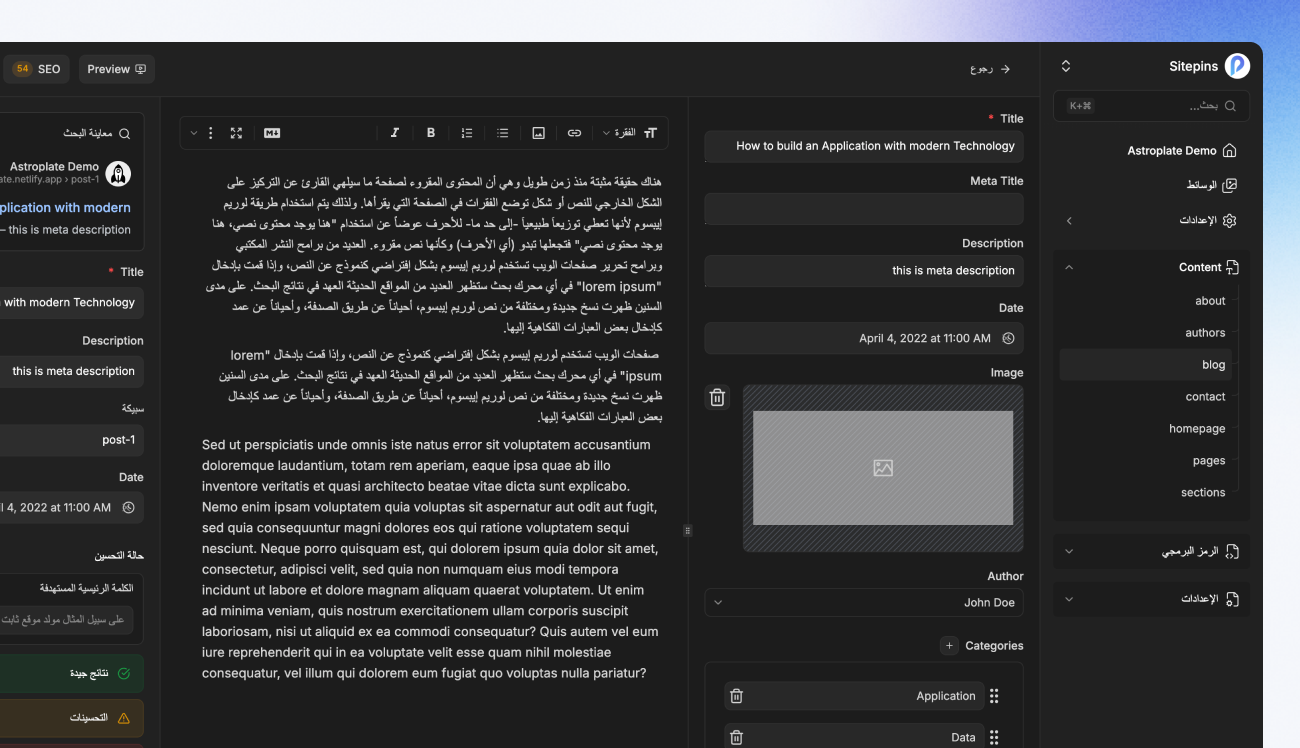
What: Sitepins now supports Hindi (हिन्दी, HI), Arabic (العربية, AR), and Italian (Italiano, IT). Arabic comes with full right-to-left (RTL) layout support, so the interface reads and lays out correctly instead of being forced into a left-to-right layout.
Why: More native language coverage means more teams can work in Sitepins comfortably, without translating the interface in their head first. RTL support specifically makes Sitepins usable for Arabic-speaking teams.
Progressive Web App
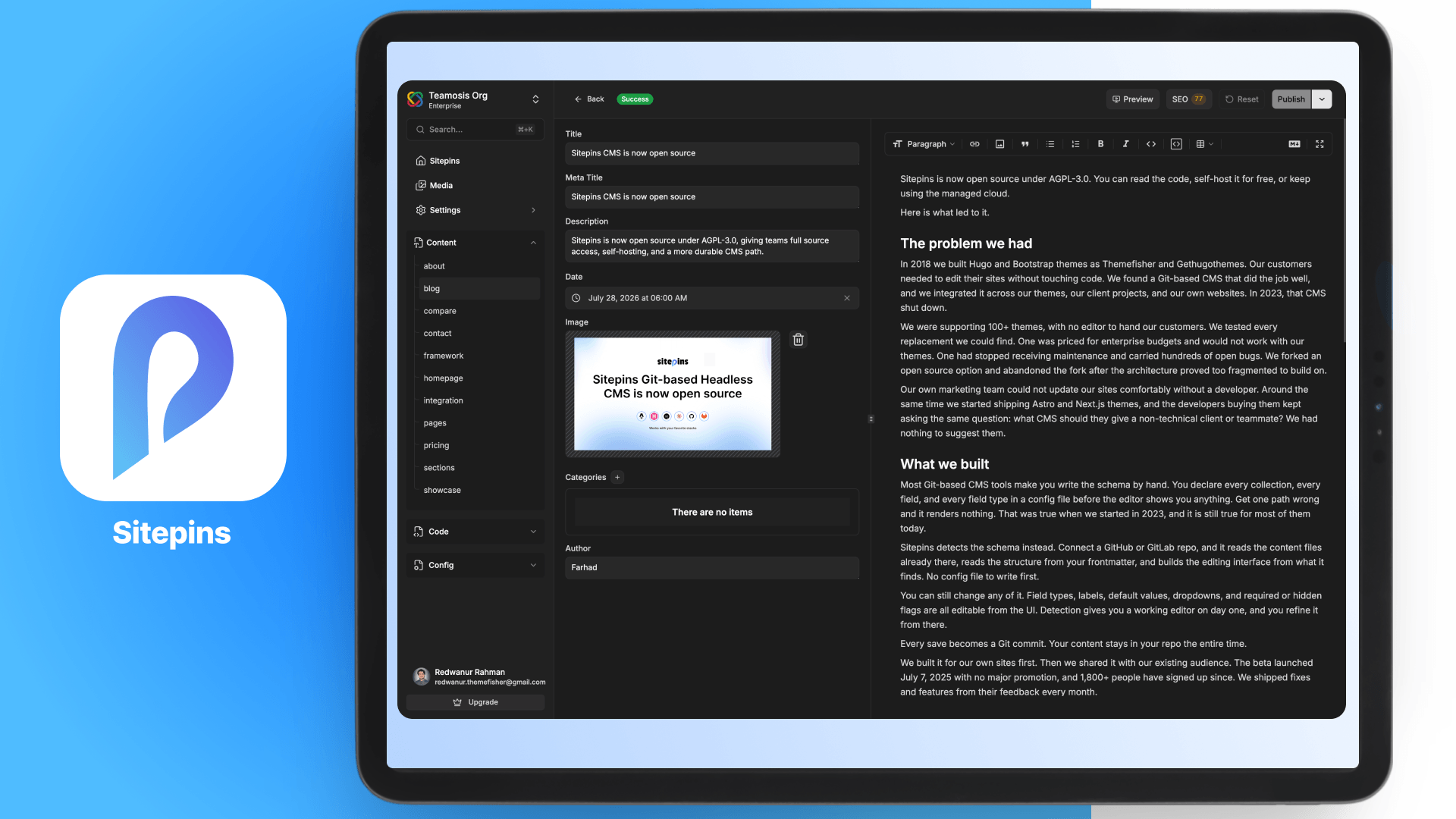
What: Sitepins now has a Progressive Web App (PWA) available. You can install it directly to your desktop or phone home screen and open it like a native app, outside the browser.
Why: A PWA loads faster, works with some offline access instead of failing outright when your connection drops, and let’s you access Sitepins with one tap instead via an app on your device.
System Status Updates
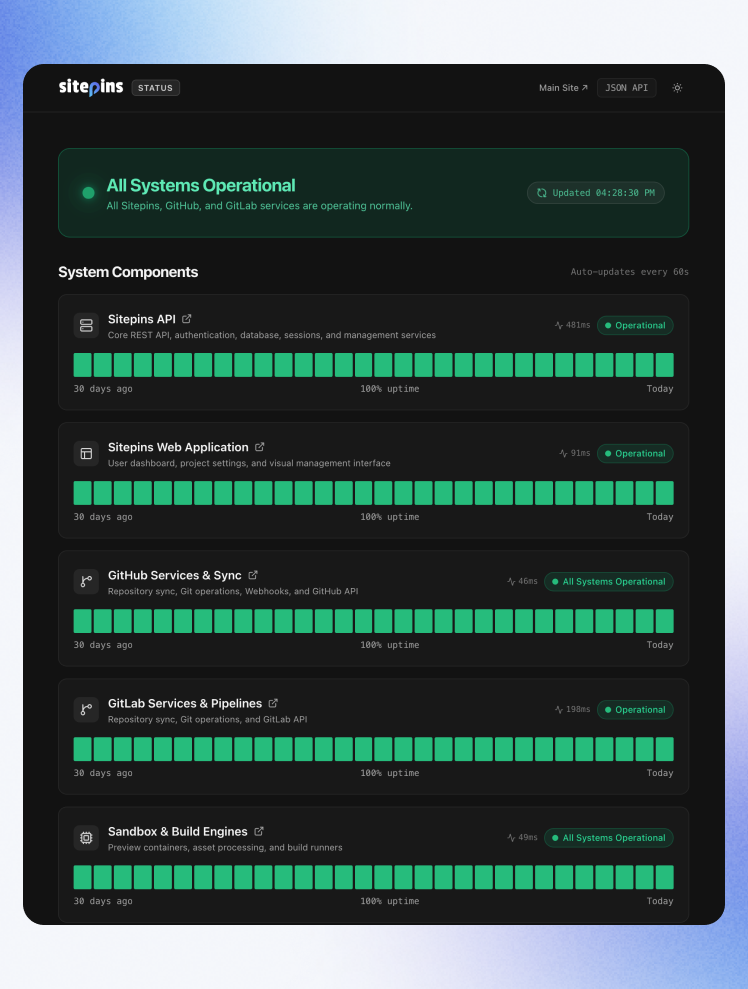
What: You can now check Sitepins’ system status directly from your profile menu. It links out to a live status page showing whether Sitepins API, the Sitepins Web Application, and GitHub services and sync are operational, along with uptime history and response times, refreshed automatically.
Why: This gives you a direct way to check if there’s issue on the server end of Sitepins.
Quality of Life and UI improvements
We also shipped a round of visual and usability improvements across the editor and app.
- Improved toolbar and editing interface.
- Drag and drop has been refined for a smoother experience.
- Multilingual and translation has been improved throughout all languages
- The SEO panel no longer overlays the editor and covers your content. It now docks as a side panel and pushes the editor over to make room, so you can see your content and your SEO analysis at the same time.
Closing
We keep building Sitepins around the people actually using it, and now that it’s open source, it’s better than ever. If you run into a bug or have thoughts on what feature you’d like next, drop them in our roadmap, Discord, or reach out to us via support.