
We kicked off 2026 with some major updates. This month’s release is all about improving your experience and providing more flexibility. We’ve focused on removing friction, enhancing collaboration, and giving you more control over your workflow.
Here’s everything we shipped this month:
TL;DR
- 100+ Pre-configured Templates — One-click setup with Astro, Hugo, and Next.js templates.
- Vercel Deployment — Deploy and auto-sync changes directly from Sitepins.
- GitLab Integration — Now supporting GitLab alongside GitHub
- Email-based Access — Grant access to teammates and clients without requiring Git accounts.
- GitHub Branching Support — Manage branches, create PRs, and merge directly from Sitepins
- SEO Suggestion Improvements — More accurate SEO suggestions and SERP preview.
- Global Search — Find files easily with Cmd/Ctrl + K
- Media File Rename — Rename files directly in the CMS
- UI/UX Revamp — A more polished, consistent, and user-friendly experience
- Bug Fixes — Various bug fixes and performance improvements
100+ Pre-configured Templates
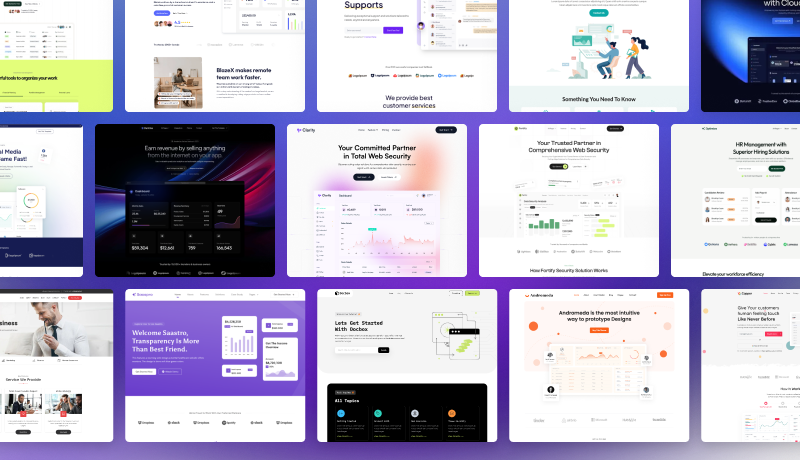
What: We’ve added over 100+ pre-configured templates built with Astro, Hugo, and Next.js by Themefisher and Gethugothemes.
Why: If you’re creating a new site, choose your preferred template and customize it directly in Sitepins. They’re pre-configured, so there’s nothing to set up — one click and you’re ready to go.
Deploy to Vercel
What: Direct Vercel deployment from Sitepins with automatic sync for every content change.
Why: If your site isn’t published yet, Vercel is a great choice. Connect your repository to Vercel directly from Sitepins. Every time you make a change, Git automatically triggers a rebuild and Vercel updates your site. You’ll see your changes live almost instantly. No manual builds, no deployment steps, just a seamless pipeline from editing to production. (Note: We’re not affiliated with Vercel, we just love the product.)
GitLab Repository Support
What: In addition to GitHub, Sitepins now supports GitLab repositories.
Why: Many teams rely on GitLab for source control and CI/CD. This update allows Sitepins to integrate into those existing workflows without requiring repository migration or process changes. You can use Sitepins regardless of whether they prefer GitHub or GitLab.
Multiple Branching Support
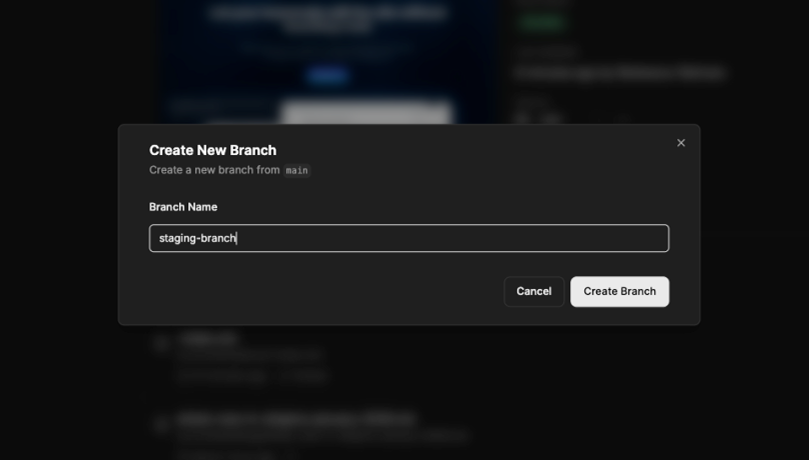
What: Sitepins now supports full GitHub branch management. You can create branches, make changes, open pull requests, and merge them directly from the Sitepins interface.
Why: Branching allows teams to experiment and review changes without affecting the main branch. This is useful for redesigns, content experiments, and staged updates. Developers can keep production stable while still enabling collaboration and iteration.
Email-based Access
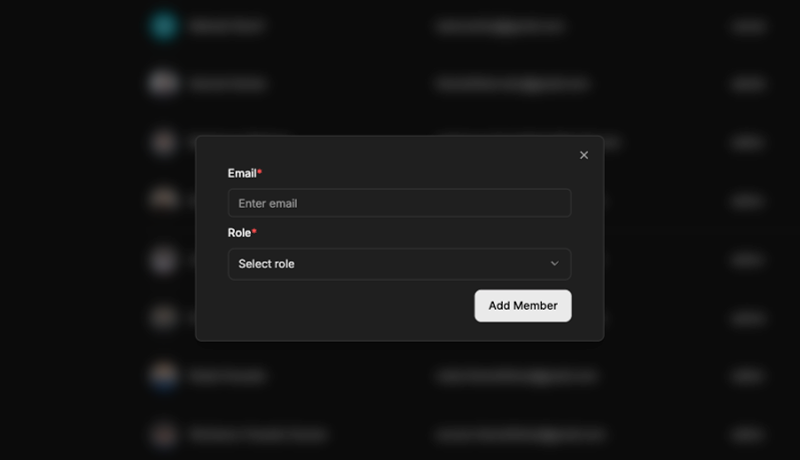
What: You can now grant access using only an email address. Invited users do not need a GitHub or GitLab account. All changes are still committed through the primary Git account.
Why: A lot of you asked for this feature, we listened. Not everyone on your team needs or wants has a GitHub/GitLab account and they don’t need one either. Your clients and non-technical team members can join your org. and start editing content without creating Git account.
Improved SEO Suggestions
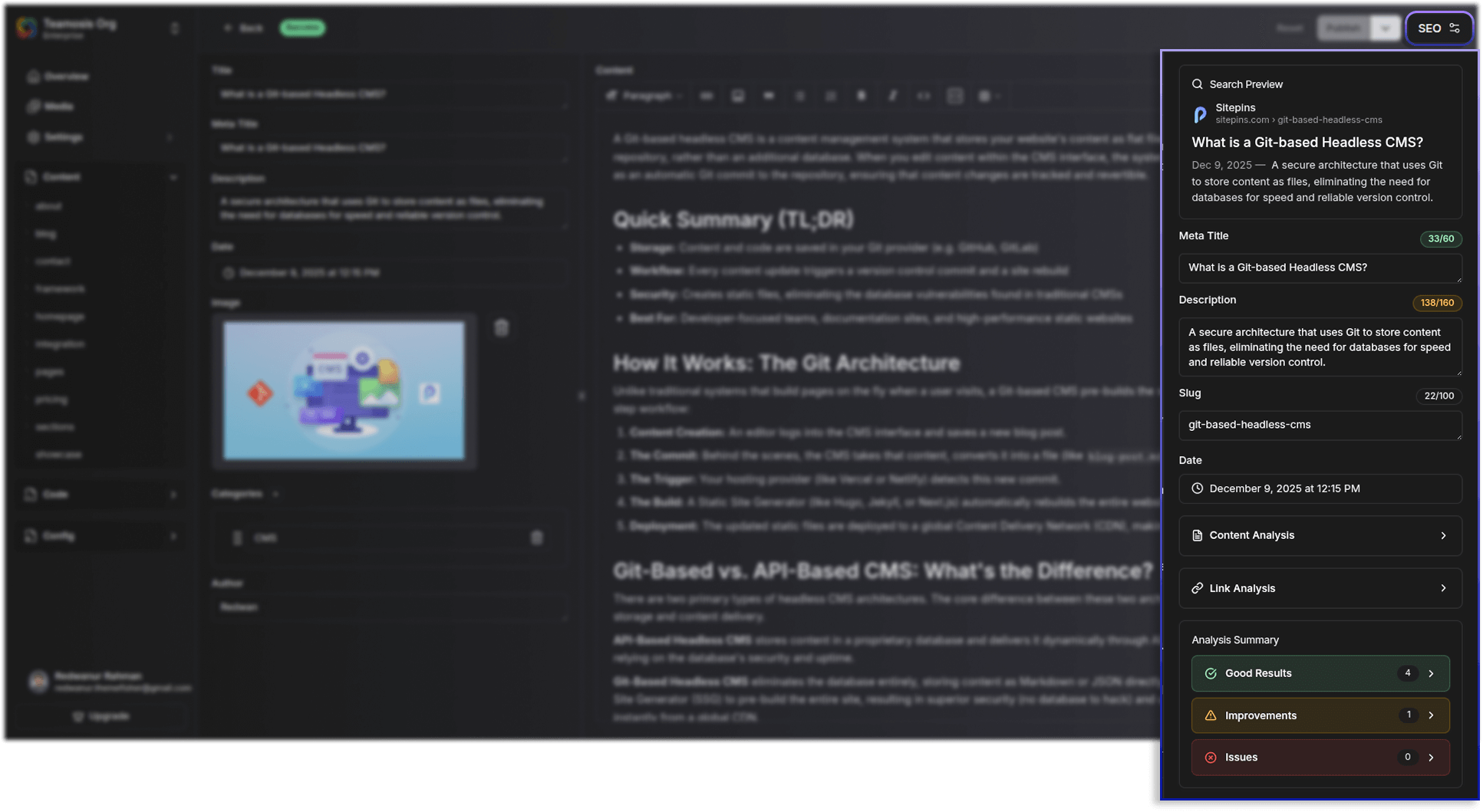
What: We’ve improved SEO recommendations and added small features to fine-tune the UX and on-page structure. Now, content editors can:
- Edit slug within the tool
- Get search previews
- Content/Link Analysis tool
- SEO best practice recommendations
Why: It ensures content remains optimized for search engines. It gives users guardrails to prevent broken links or poorly formatted URLs during the editing process.
UI/UX Revamp
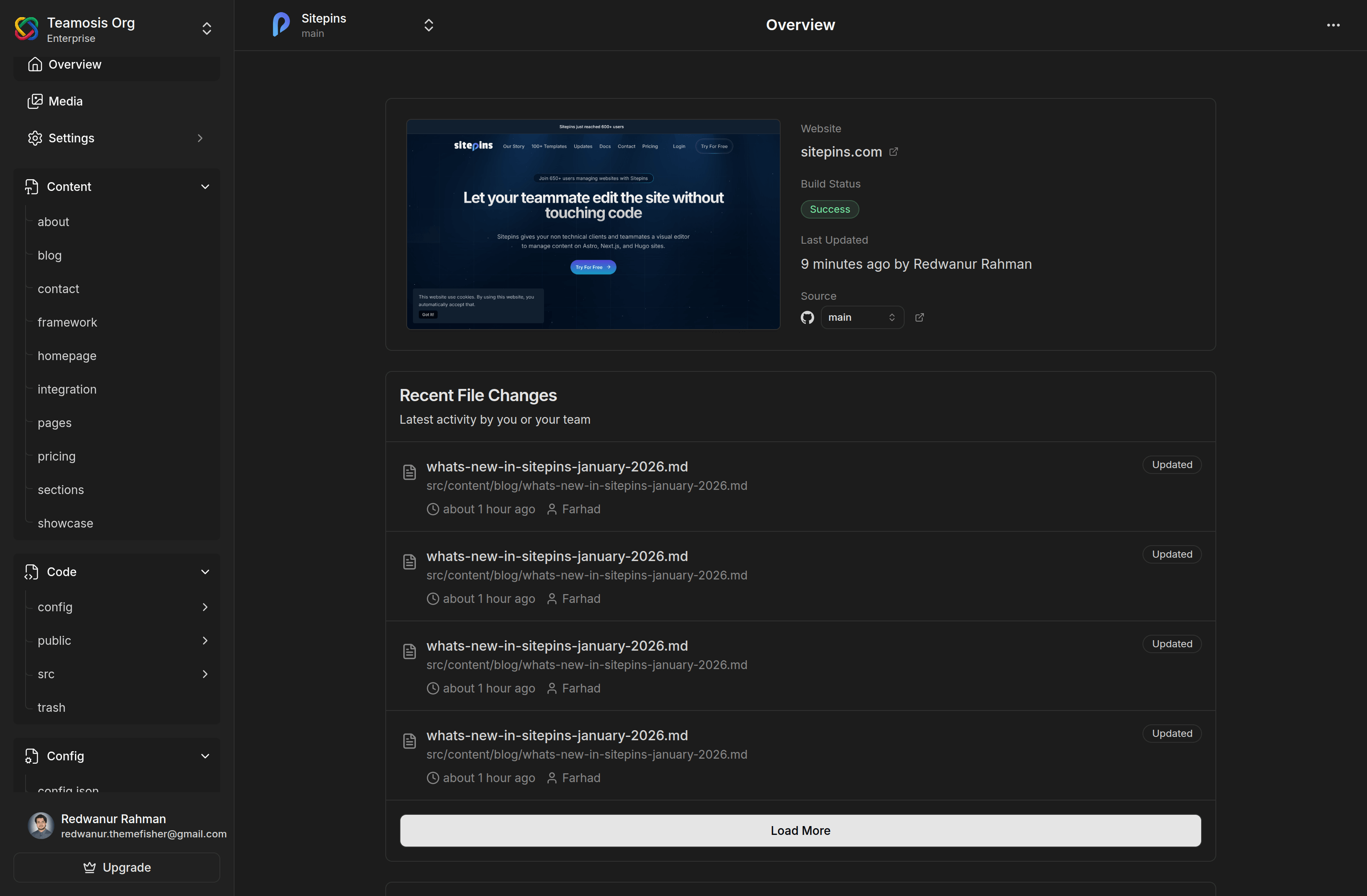
What: The interface has been refined across the application with a more consistent left-side navigation, clearer layout, and better organization.
Why: Project and organization switching is now simpler, key information is easier to find, and settings are more structured and accessible. These improvements help users navigate more efficiently, reducing time spent searching for options and ensuring a smoother overall experience.
Global Search (Cmd/Ctrl + K)
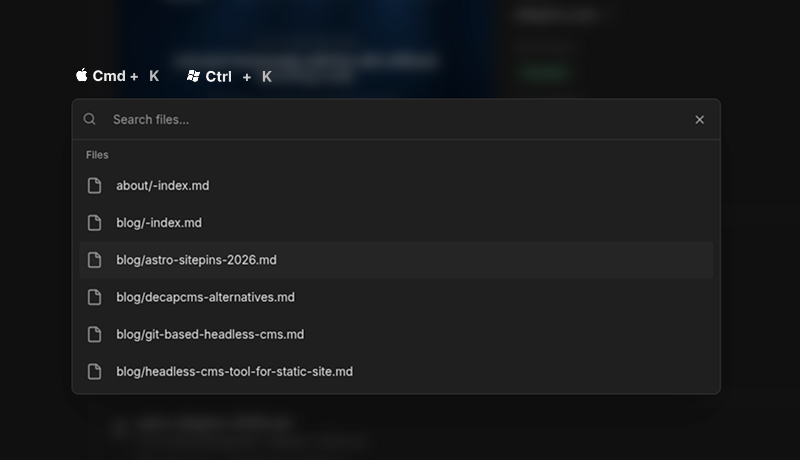
What: A global search feature that lets you search across the entire repository using a keyboard shortcut.
Why: For large websites, finding the right file becomes time-consuming. Global search allows you to locate content and files instantly, improving daily workflow efficiency.
Media File and Folder Rename
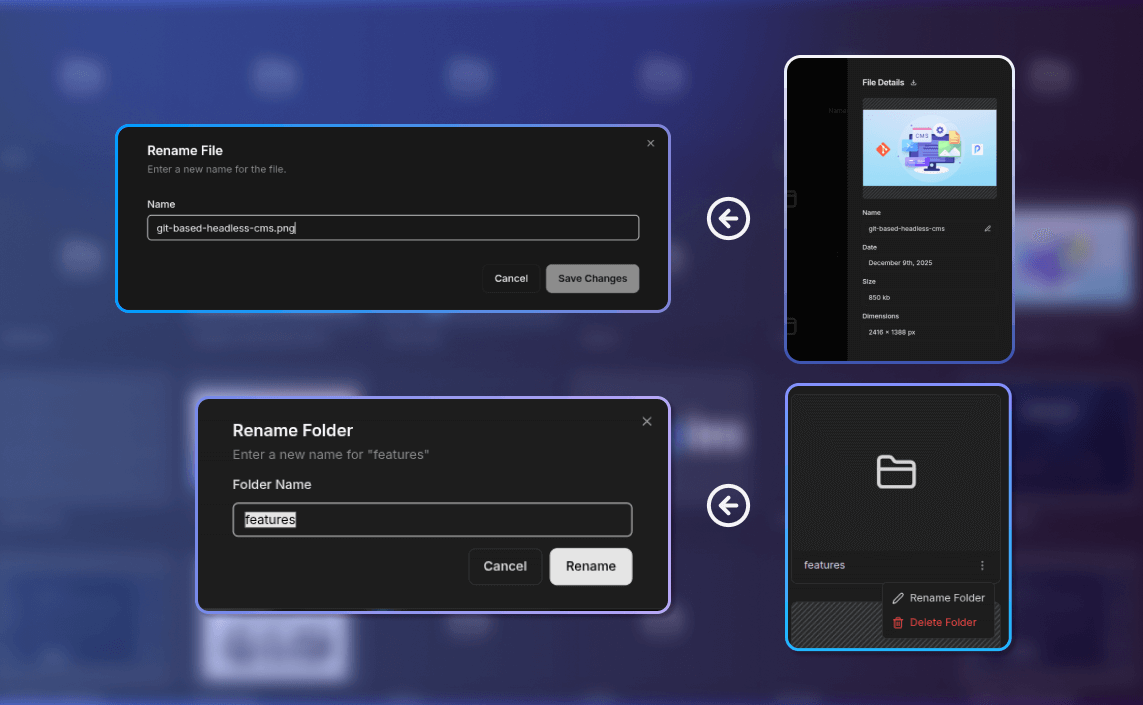
What: Media files and folders can now be renamed directly within Sitepins.
Why: Clear file naming improves organization, SEO, and long-term maintainability. This update allows users to manage media properly without accessing the repository directly.
Bug Fixes and Stability Improvements
What: January included fixes for several minor bugs affecting user experience and stability.
- Fixed cursor positioning issues when switching between Markdown and Rich Text editor modes
- Resolved extra HTML entities being added when using shortcodes
- Fixed AI suggestions appearing across the entire document instead of only the selected text
- Corrected plan name not updating after purchase or trial activation
- Fixed content not rendering due to schema mismatches
- and more..
Why: These fixes improve editor reliability and prevent unexpected issues.
Closing:
Today, all our websites are managed through Sitepins. Our content team relies on it daily, and over 600 users (and counting) trust Sitepins to manage their sites as well. Whenever we spot bugs or opportunities for improvement, we fix them immediately. We’re committed to continuously making Sitepins better.
If you’re already using Sitepins, we’d love your feedback to help us improve. If you’re new, try it today and see how it can streamline content management for your team.