
In June, we focused on smoothing out the everyday friction points in your writing and publishing workflow. We shipped a smarter way to save drafts without triggering a full rebuild, gave you the freedom to bring your own preferred LLM, and expanded global search to cover more than general settings and preferences as well.
Here’s everything we shipped in June 2026:
TL;DR
- Save as Draft Locally — Save your work progress in the app without triggering a full site rebuild.
- Advanced Global Search — Global search now covers organizations, settings, preferences, and support, not just files.
- Preferred LLM Input — Choose any supported model from OpenAI, Anthropic, xAI, or Google Gemini.
- Bug Fixes and Security Updates — A round of fixes across the platform for a smoother experience.
Save as Draft in the App
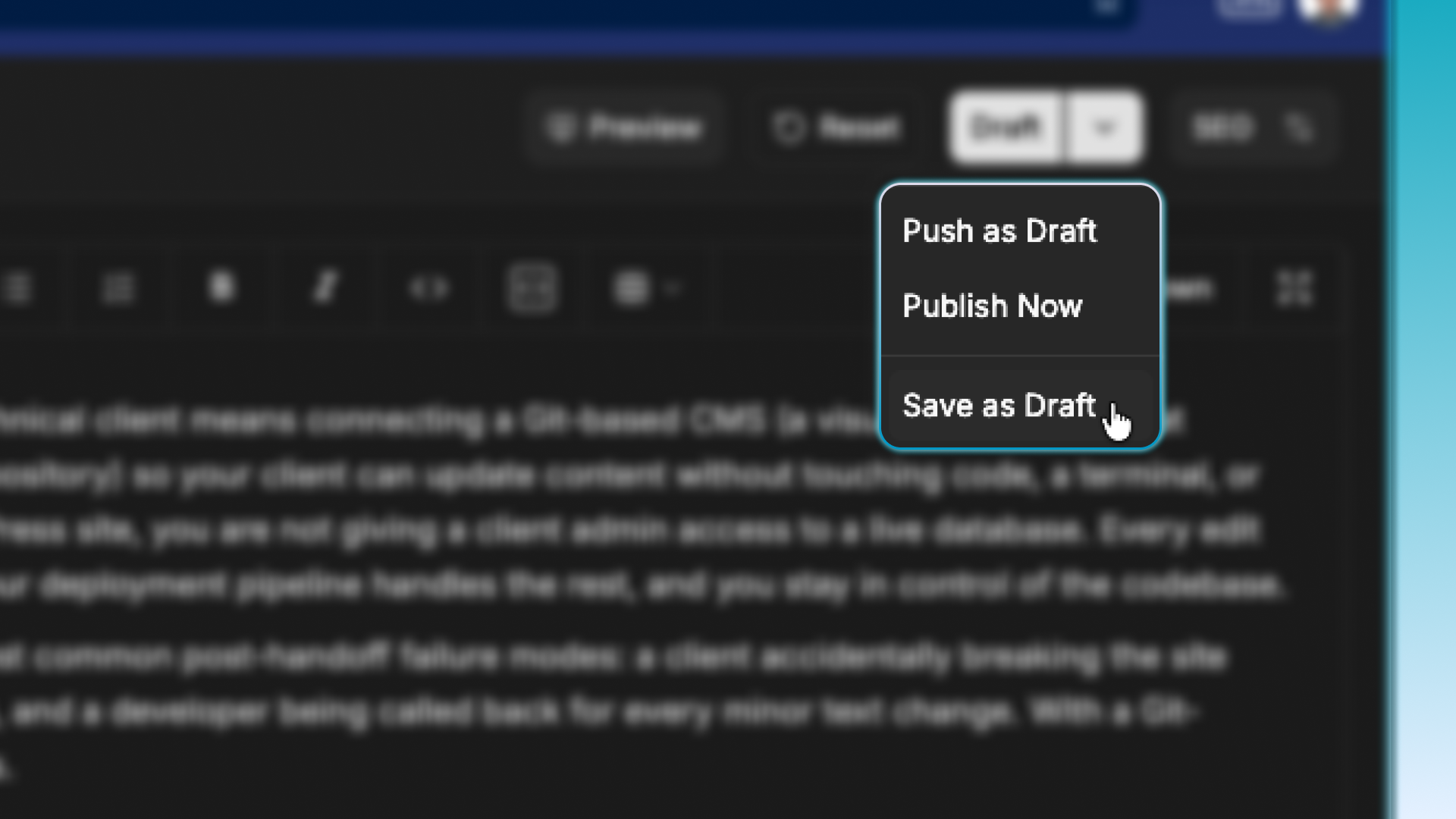
What: You might be mid-draft, waiting on a teammate’s review, or simply saving your progress so a closed tab or a dead battery could cost you your work. Saving as a draft now stores your content without triggering a full site rebuild.
Why: Previously, every draft save, even for a single word or an extra space, triggered a full rebuild of the site. That is not practical, and it is not a good practice either. Now your content is stored instantly, without the overhead of rebuilding your site every time you save.
Choose preferred LLM model
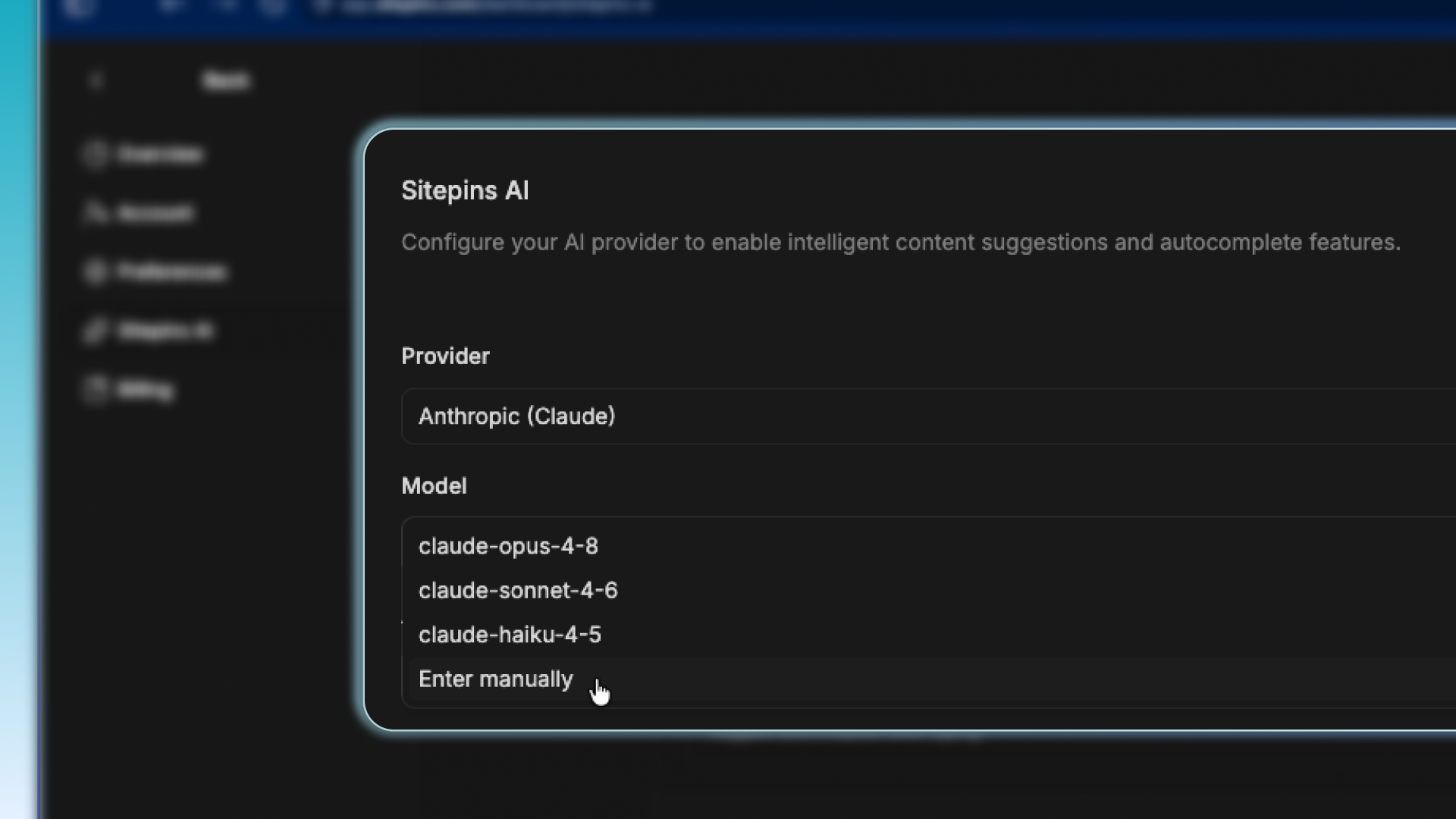
What: You are not limited to Sitepins’ default model selection. You can now manually input your preferred LLM from one of four supported providers: OpenAI, Anthropic, xAI, or Google Gemini.
Why: Different workflows call for different models. This update gives you the flexibility to choose the LLM that best fits your use case.
Advanced Global Search
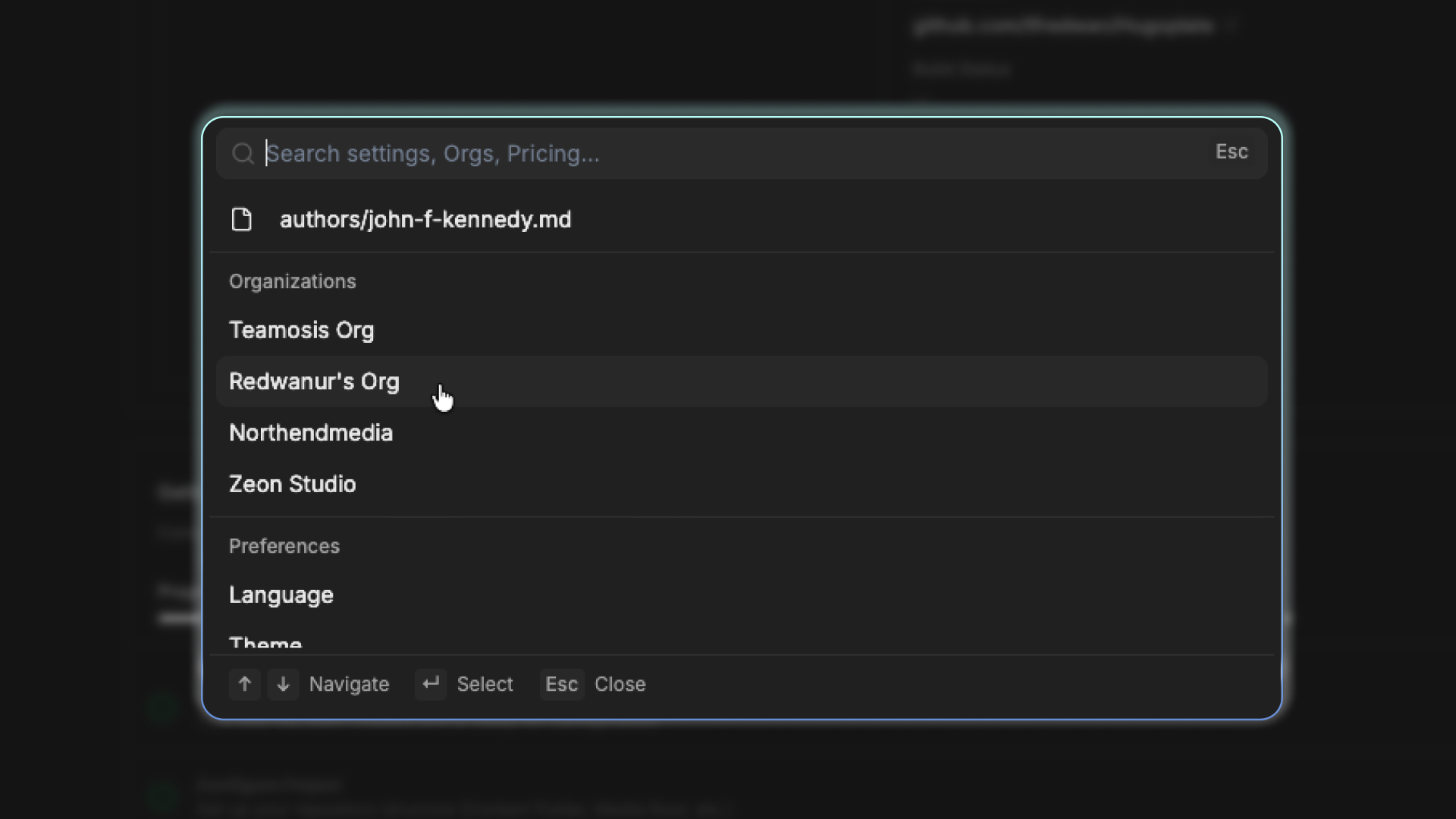
What: Our global search has been upgraded to look beyond files. You can now search organizations, user settings, organization settings, preferences, support, and account settings, all from the same search bar. Hit CMD+K or Ctrl+K for Mac or Windows
Why: We wanted to make it faster for users to find exactly what they are looking for without digging through multiple menus or memorizing navigation paths. This also makes Sitepins easier to navigate for non-technical users.
Closing
Sitepins has now crossed 1,700 users. We’re steadfast in our commitment to shipping updates based on feedback from the people using Sitepins every day. If you run into a bug or have thoughts on what feature you’d like next, drop them in our roadmap, Discord, or reach out to us via support.