
We’ve been taking feedbacks from teams actually using Sitepins on their daily workflow, and this month’s updates reflect that. We focused mainly on user experience: live indication of who’s on the same file, more freedom with how you handle images, richer embed support in the editor, and a cleaner look at your account health.
Here’s everything we shipped in March 2026:
TL;DR
- Live user presence indicators — Live avatar displays on the editor shows who’s currently on the same file.
- External Image URL Support — Paste any external image URL directly into the editor
- iFrame Preview in Rich Editor — Embed and preview iFrames (like YouTube videos) live inside the editor
- Account Overview Refresh— A cleaner, more informative dashboard with proper metrics
Real-time User Indication
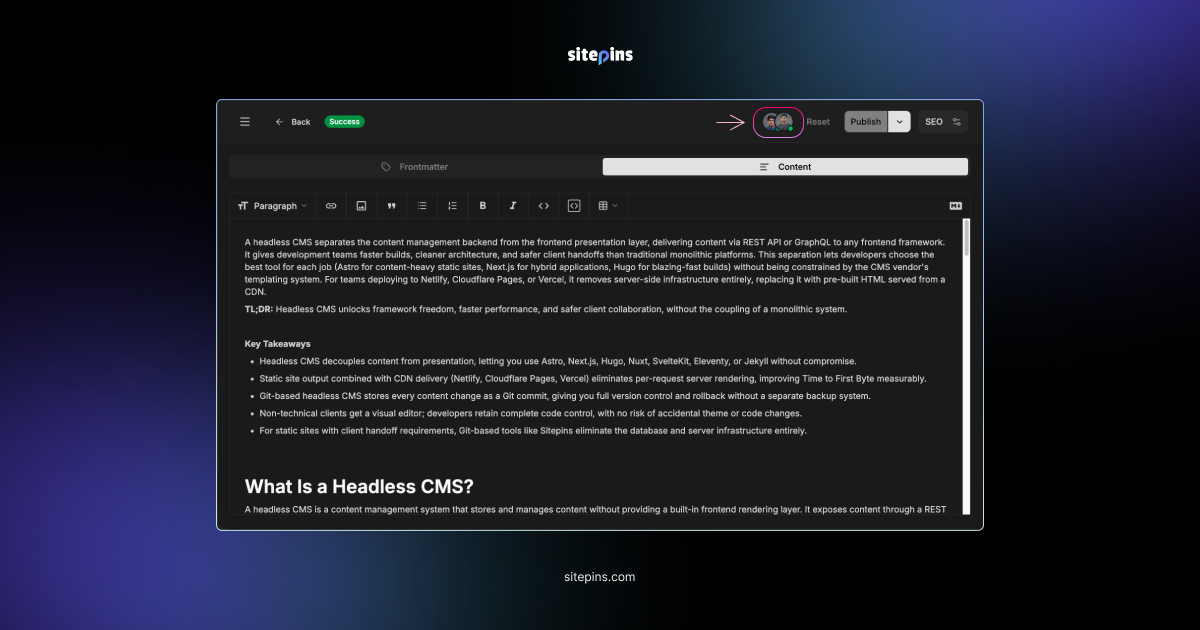
What: Sitepins now displays live avatar indicators in the editor’s top bar, showing all users who are currently active on the same file as you. The presence updates in real time, so the moment someone opens or leaves a file, the indicator reflects that instantly. Hovering over any avatar reveals the user’s name, giving you a clear picture of exactly who is on the file at any given moment.
Why: When multiple team members are working across the same files, it’s easy to step on each other’s work without knowing it. Seeing who’s present on a file at a glance helps teams coordinate better and avoid conflicts before they happen.
External Image URL Support
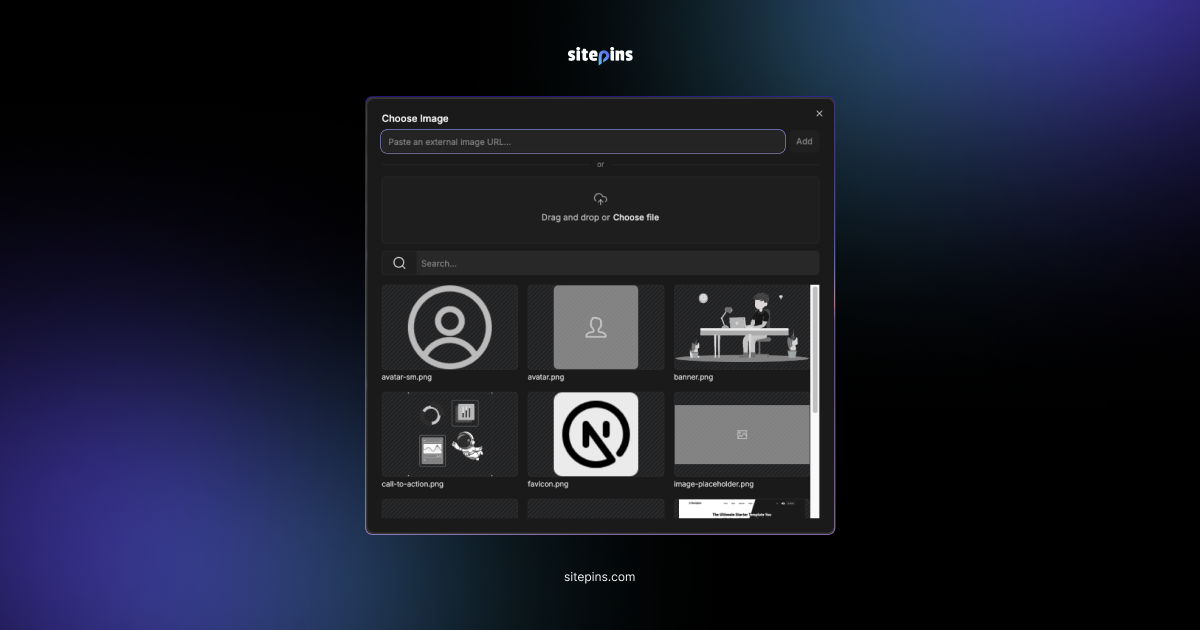
What: The rich text editor now supports two types of image paths: relative paths (images stored in your repository) and absolute URLs (externally hosted images).
Why: If you’re pulling assets from a CDN, a third-party service, or any external host, you no longer need to download and re-upload them. Just paste the URL and continue.
iFrame Preview in Rich Editor
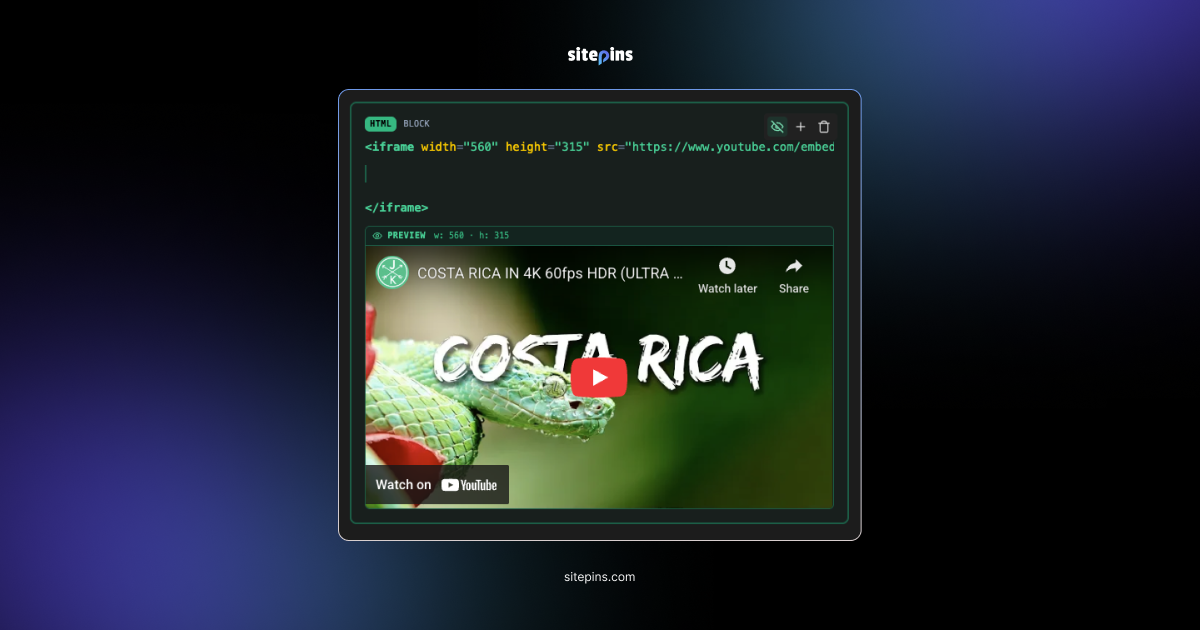
What: The rich editor now renders a live preview of iFrames directly inside the HTML block. Write your embed code, and the preview appears right below it instantly. You can also modify the properties and see the changes reflected in the preview in real time.
Why: Writing raw iFrame code and guessing what it’ll look like is not a practical approach. With live preview, you can verify exactly how your embed will appear to readers before hitting publish, saving you the back and forth of publishing just to check.
Note: This was a requested feature. One of our users reported that their team embeds charts as iFrames and found it difficult to reference the iFrame content in a separate window while writing inside Sitepins at the same time. The live preview eliminates that context switching entirely.
Account Overview Refresh
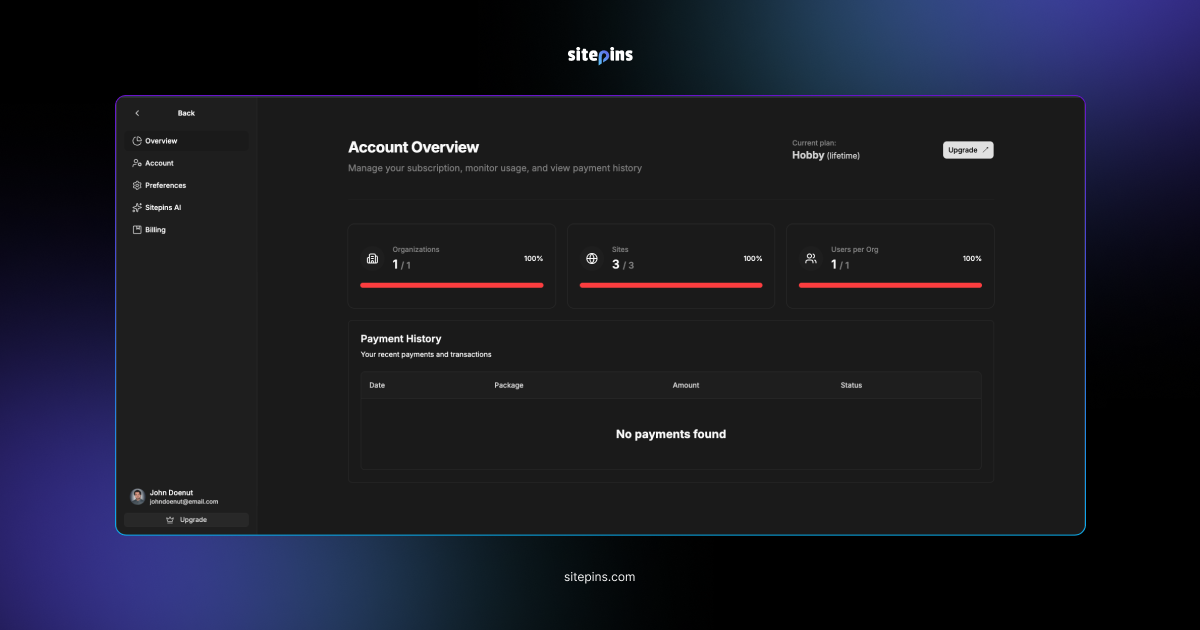
What: The Account Overview page has been refined to give you a clearer, more structured view of your account at a glance. It now displays your current plan, your organization count, number of sites, and users per organization, each with a usage indicator showing how much of your plan’s allocation you’ve used.
Why: The new design surfaces the right numbers in the right places, so you always know your plan limits and can keep track of your billing history.
Closing
As of writing this we are closing in on 1,000 users, a milestone we’re proud of. We’re committed to continuously improving Sitepins, shipping updates that make content management simpler and easier for everyone.
Got an issue? Reach us on Discord. Have a feature request or feedback? Drop it on our Roadmap page.