
Nextjs CMS

Git-based Headless CMS for Next.js

Sitepins gives your non technical clients and teammates a visual editor to manage content on Nextjs.

Sign up for FREE

No credit card required. Free tier forever.

sitepins cms nextjs sitepins cms nextjs
How it Works

Connect. Configure. Start Editing.

Everything within minutes

Connect Repo

Connect Repo

Connect your Git repository once. Sitepins automatically detects your Next.js content structure.

Configure

Configure

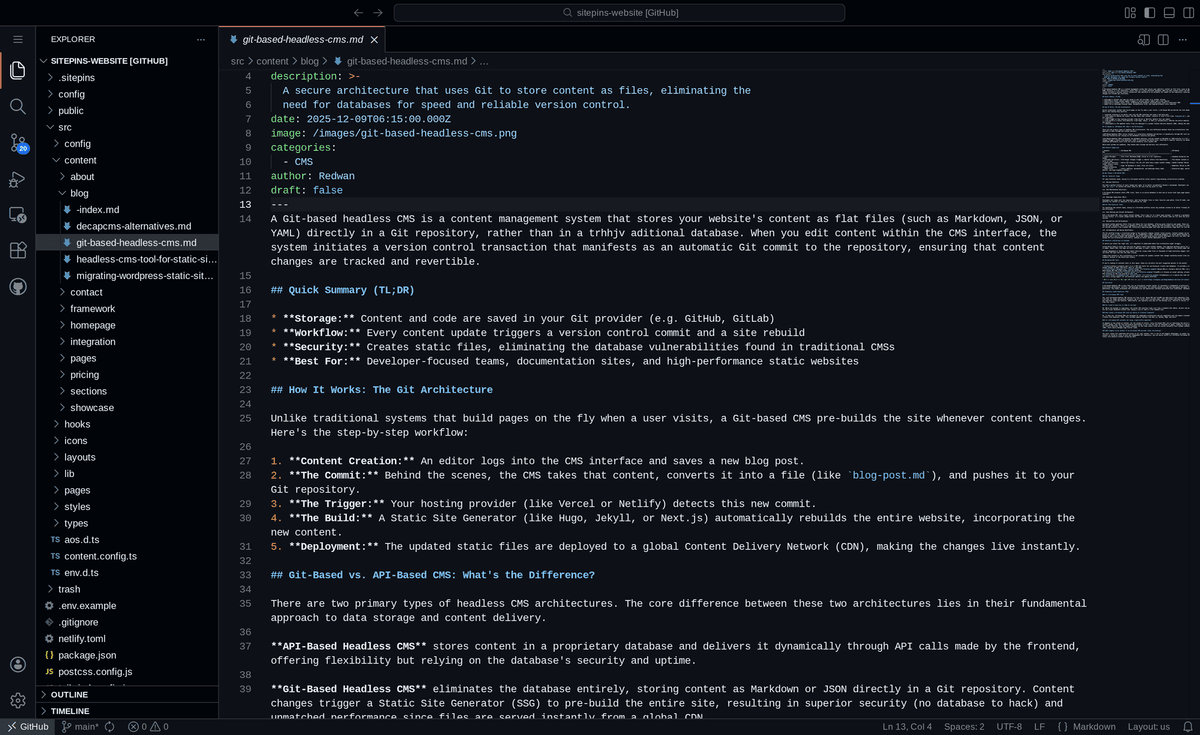
Sitepins automatically reads your content files (Markdown, MDX, JSON) and presents them as structured editing forms

Start Editing

Start Editing

Your team can start editing immediately. Every save is a traceable Git commit, ready for your Next.js build.
FOR EDITORS

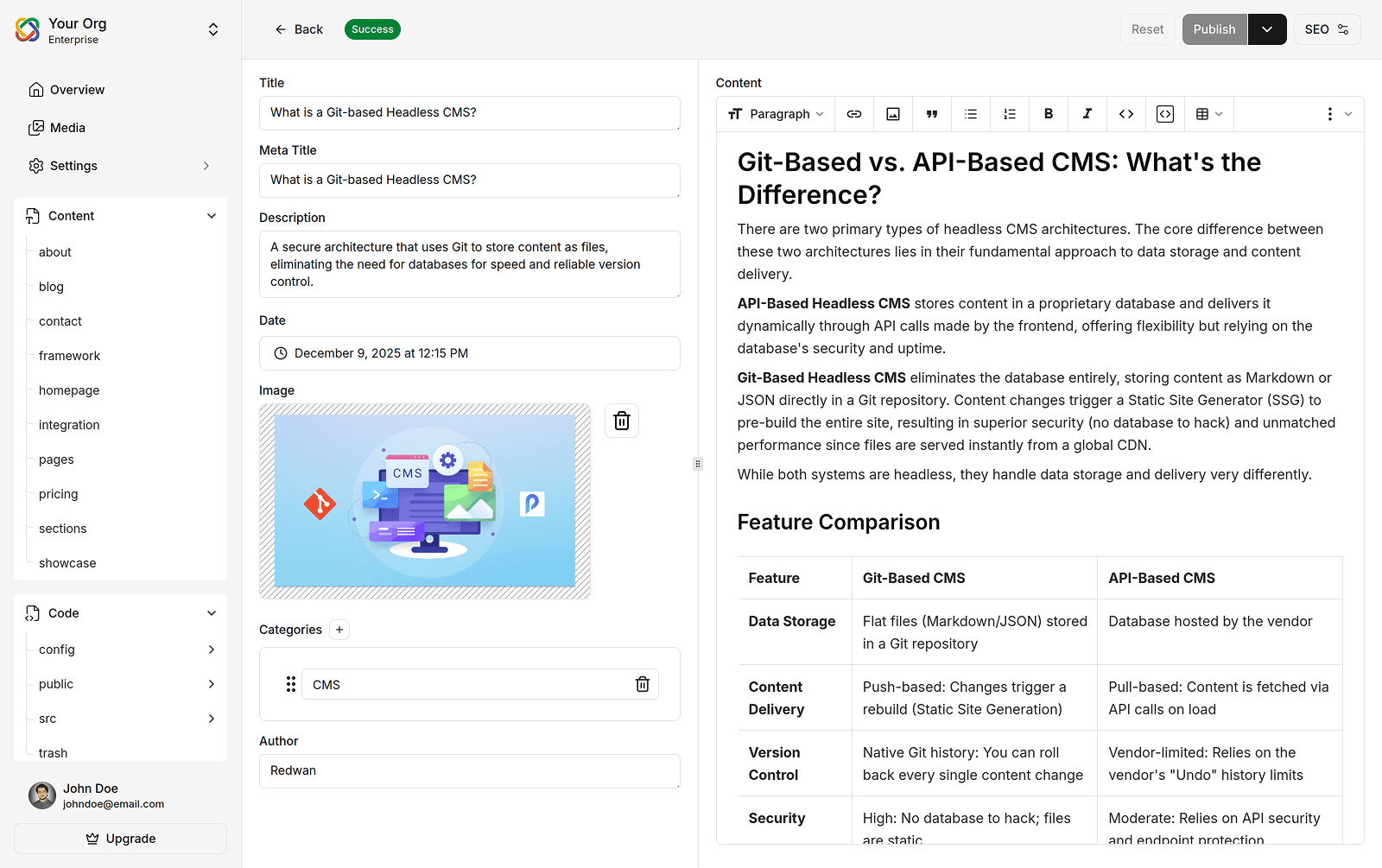
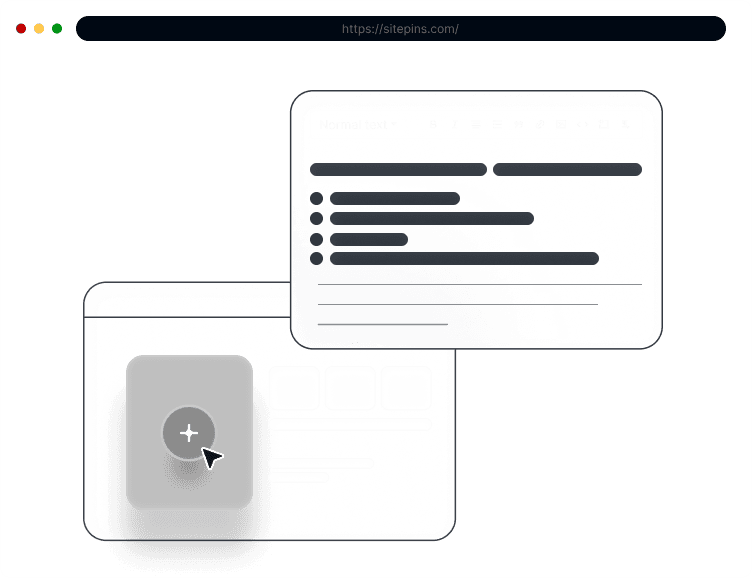
Simple Visual Editor

Manage and update your Next.js site contents through a visual editor—no coding or technical knowledge required.

Empower your Content Team

  • Edit content using a visual editor. No coding or technical knowledge required.
  • Easily update metadata, tags, dates, and SEO configurations and publish without developer help.
  • Manage media assets easily with a focused library using the drag-and-drop feature.
sitepins cms nextjs visual editor
FOR DEVELOPERS

Preserves Next.js code, Speed and Integrity.

Hand off your site to clients with ease. Editors use a simple visual tool, keeping your Next.js code clean and uninterrupted.

Streamline Your Dev Workflow

  • Hand off sites with ease, moving content updates out of the code for your non-technical clients.
  • Supports editing JSON and YAML files, allowing editors to update the data and props that power your React components.
  • Your content remains committed to your repo, ensuring full ownership, version control, and zero dependency on a proprietary database.
sitepins cms nextjs visual editor
Key Features

Features That Make Content Editing Effortless

Everything your teammates or clients need to update content without touching code.

Easy Setup

No complicated setup. register, connect your repo, and you’re ready to go — even if you’ve never used a CMS before.

Quick and Easy Setup

Stay in control with Git

Every edit is versioned, trackable, and reversible. You’ll always know who changed what.

Git Integration in Sitepins

Edit visually

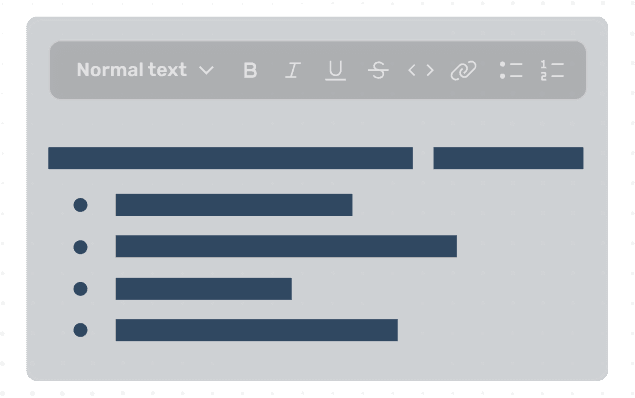
Update text, images, and content directly in the editor. No more back-and-forth with developers for small changes.

Visual Markdown Editor

Keep media organized effortlessly

Drag, drop, and reuse images right inside the CMS.

Manage Media Files Easily

Works with your favorite stack

Sitepins supports Astro, Next.js, Hugo, and other leading static site generators.

All Static Site Generators Support

Support Shortcodes

Easily manage shortcodes and custom content blocks for powerful content structuring. Save time and stay consistent.

Shortcode Editing in CMS

AI Assistant

Plug in your own OpenAI API key to generate or rewrite content inside the editor.

AI Content Assistant

Collaborate with your team safely

Manage roles, permissions, and access for multiple users.

User Roles and Permission Management

Keep Complex Content Organized

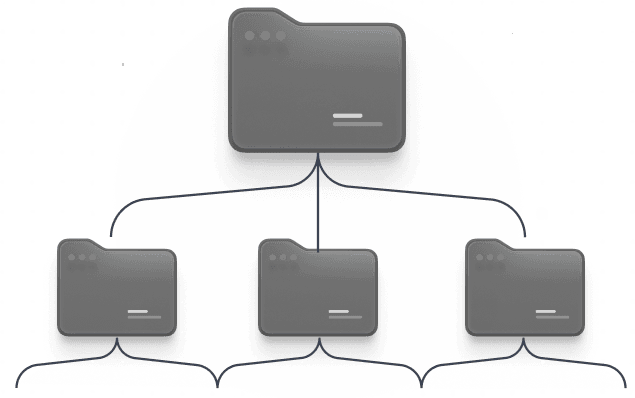
Maintain a clean content hierarchy, even for large sites — everything stays easy to find, edit, and manage visually.

Nested Content Collections

Compatible with all popular file formats

Sitepins works with Markdown, JSON, YAML, and TOML — whatever your static site uses.

Multi-format Content Support
Free Templates

Start With a Template

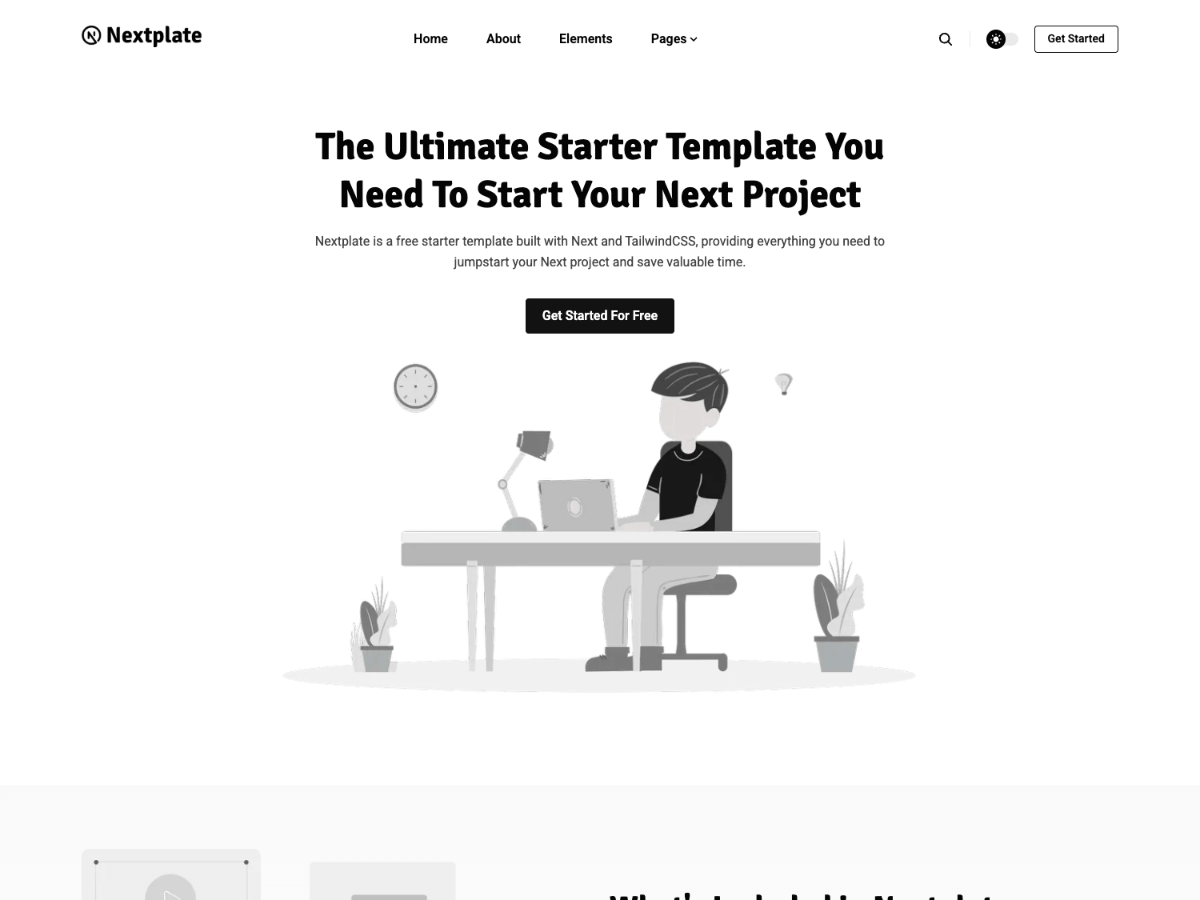
Nextplate

Nextplate

nextjsblog
Get Start For Free
Andromeda Light Nextjs

Andromeda Light Nextjs

nextjssaas
Get Start For Free
Bigspring Light Nextjs

Bigspring Light Nextjs

nextjssaas
Get Start For Free
Bookworm Light Nextjs

Bookworm Light Nextjs

nextjsblog
Get Start For Free
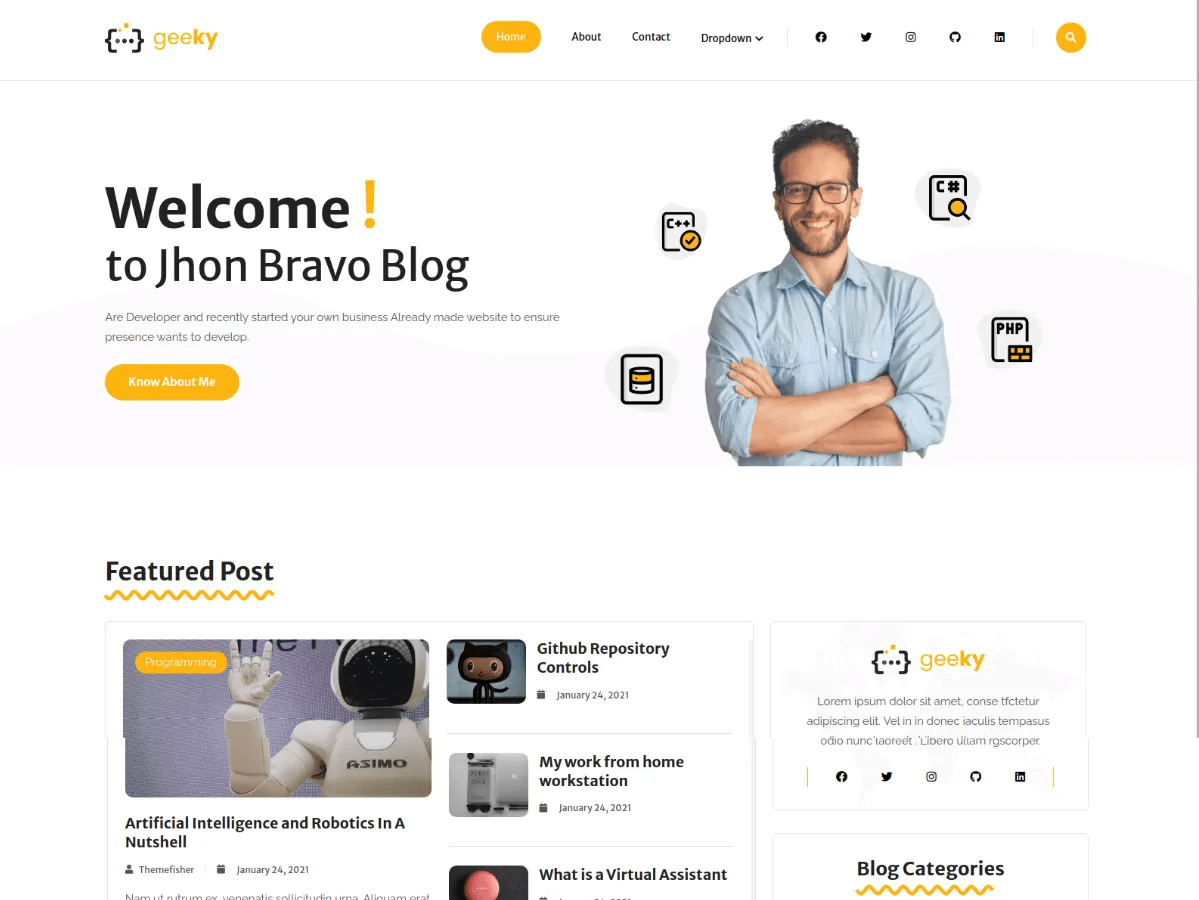
Geeky Nextjs

Geeky Nextjs

nextjsblog
Get Start For Free
Hydrogen Nextjs

Hydrogen Nextjs

nextjsblog
Get Start For Free
View All Templates
I wanted to give our marketing team the ability to edit content without them poking me every time. So far, it’s going well. I can finally focus on more complex tasks rather than just changing a heading or triggering a rebuild.

Somrat

Developer Team Lead

I absolutely love the UI and the experience of working with it. The configuration and set-up was simple, smooth and easy.

Emmanuel

Chief Technical Officer

Sitepins looks pretty sweet. Great job. It’s just what I’ve been looking for.

Jim Mitchell

Developer and Tech Blogger

Sitepins looks really nice, it's just what I hoped to find.

Joakim

Freelance Developer

Somrat
Emmanuel
Jim Mitchell
Joakim
Join the teams simplifying content editing with Sitepins.
FAQs

Frequent Questions

Got questions? We’ve got clear answers to help you get started.

Have more question? Contact Us to inquire more!

Get Started with Sitepins